
LiveCaseAI case study generator
Turn your case study into an interactive simulation.
Start with a case, PDF or teaching idea. Get an editable draft with characters, decisions and learning activities. Review the experience before learners see it.
92%
Completion rate
70,000+
Learners
1,000+
Educators




From source to simulation
One source. Three ways to bring it to life.

1Your source material
Your source material describes a retailer considering a new market. Your learning objective is to help students question assumptions before recommending growth.
Choose an option above to see where it leads.
What you review before sharing
The same source can support different experiences. Choose the decision that makes your learning objective visible, then review the AI draft against it.
Illustrative example with prepared responses.
From a source document to a situation.
Bring the content you already know. Build an experience around the dilemma, the people involved and the decisions you want learners to practise.

- 1
Bring your starting point
Use a PDF, slide deck, case study, web link or an idea written in your own words.
- 2
Shape the experience
Define your audience and learning goals. Review the generated world, characters and narrative.
- 3
Edit, preview, then share
Refine the content and try the learner experience before you run it with participants.
From educators using LiveCase
“The Circular Economy LiveCase brought my classroom to life. Learners were engaged, energized, and thinking beyond theory. Creating it with the support of LiveCase Studio Services was surprisingly simple and fun.”

Atalay Atasu
Prof. of Technology & Ops, INSEAD
Your source becomes something learners can act on.
Bring evidence into the story, let learners question its characters, and build decisions around your learning objective.
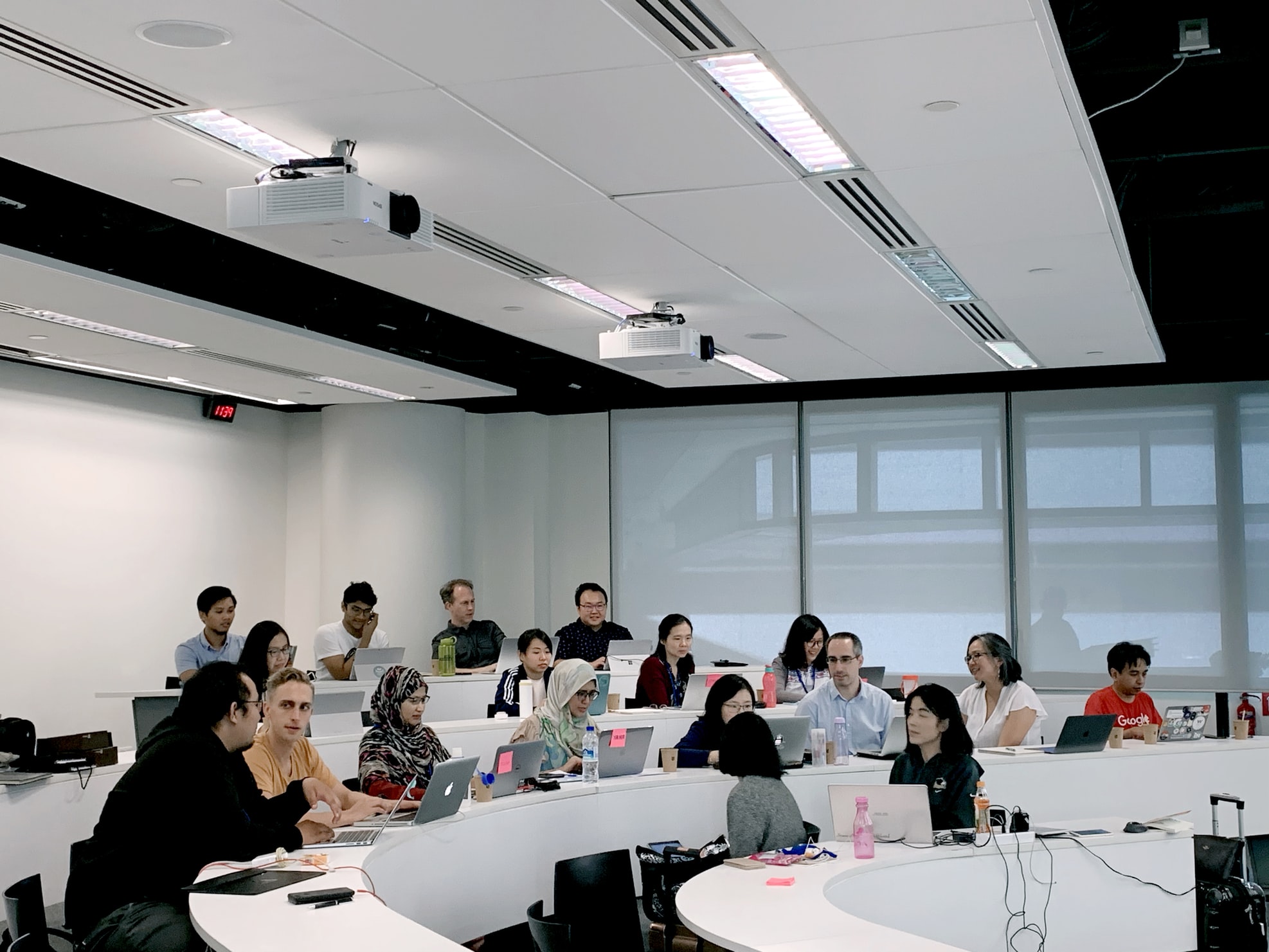


You remain the author.
An editable first draft
Review and rewrite the generated content. Your expertise shapes the finished simulation.
Interactive by design
Combine characters, evidence, decisions and feedback in a guided learner journey.
Manual creation is welcome
Start from an empty case or use AI for the parts where you want help.
Publishing is your choice
Keep your material private or explore publishing opportunities. Your content remains yours.
In the room, online or in your LMS.
Run live or asynchronously, then share by link, QR code or your configured LMS.
Watch LiveCase in action
Your material.
A whole new experience.
Take a closer look at creating a LiveCase and stepping inside one.
Follow the workflow from source material to an editable simulation, learner delivery and the classroom debrief.
Know what happens before you commit.
Create and preview first
Author and preview for free during early access. Pay when learners enter, with volume discounts available.
See delivery pricingYour material stays yours
Keep your case private. You retain your IP, and publishing is always optional.
Choose how much help you need
Build it yourself, edit an AI draft, or ask our studio to finish it with you.
Explore studio supportPrefer an existing case? Explore relevant catalogue topics.
Questions, answered.
Does this generate a written case study or an interactive simulation?
LiveCase creates interactive learning simulations. A written case can be the starting point, but the output is an editable experience with narrative, characters, decisions and learning activities, rather than just a document.
What can I use as source material?
You can start with a PDF, slide deck, case study, URL or text describing your idea. Use material you own or have permission to adapt, and review the draft for accuracy and fit.
Do I have to accept everything the AI writes?
No. Review, edit and preview the content before sharing it. AI can make mistakes, and your subject expertise and teaching judgment remain essential.
Is it free to generate a case?
Authoring and previewing are free during early access. Delivering simulations to learners is paid. See the pricing page for the current delivery options.
Can someone help me finish the simulation?
Yes. LiveCase Studio Services can help turn your material into a finished learning experience. The AI Authoring page also includes guides to creating and refining your own simulation.
Bring your case. Build the first draft.
Describe your case and what learners should learn from it. You can add source files or a link in the authoring workspace.
More ways to use LiveCase.
AI-resistant assessment
Assess student decisions, beyond AI-written answers.
Business simulations
Bring business decisions into the classroom.
Experiential learning
Connect experience, reflection and theory.
Leadership simulations
Practise difficult conversations and decisions.
Authentic assessment
Explore the reasoning behind learner responses.